A Cloud Horizons module
Entra access reviews,
with an operator UI.
Guest reviews, app-access reviews, and JML hooks on Microsoft Graph.
ISO 27001 · DORA · GDPR
HIPAA-ready · NIST CSF 2.0 · CIS Controls v8 · SOC 2 (in flight)

Access reviews · joiner-mover-leaver, audited
Capabilities
Guest reviews, app access, and JML on Graph
-
Guest access reviews
Reads your guest-user inventory from Entra ID and drives the review through Entitlement Management instead of leaving it half-configured in the portal.
-
Application-access reviews
Reviewers see the app, the role, and the last sign-in date, then decide keep or remove without opening five blades in the Entra admin center.
-
Dormant access and orphaned roles
Flags accounts with no recent sign-in, surfaces role assignments whose owner has left, and sends reviewer reminders in Teams when attestations go quiet.
-
JML hooks
Joiner, mover, and leaver events from your HR feed and Lifecycle Workflows route access requests and revocations to your ITSM — roles get pulled, not just the account disabled.
-
Guest inventory
Every guest in one list with last sign-in, the source application that invited them, and the sponsor on record — filter the stale ones and send them into a review campaign.
-
Per-campaign audit exports
Each campaign exports the decisions, reviewer, and timestamp — ready for an ISO 27001:2022 access-control review or a NIS2 Article 21 check without rebuilding it from screenshots.
-
Directory backup and change alerts
Daily point-in-time backups of users, groups, role assignments, apps, and Conditional Access policies — with drift detection and an instant alert the moment someone is granted a privileged role like Global Administrator.
In the product
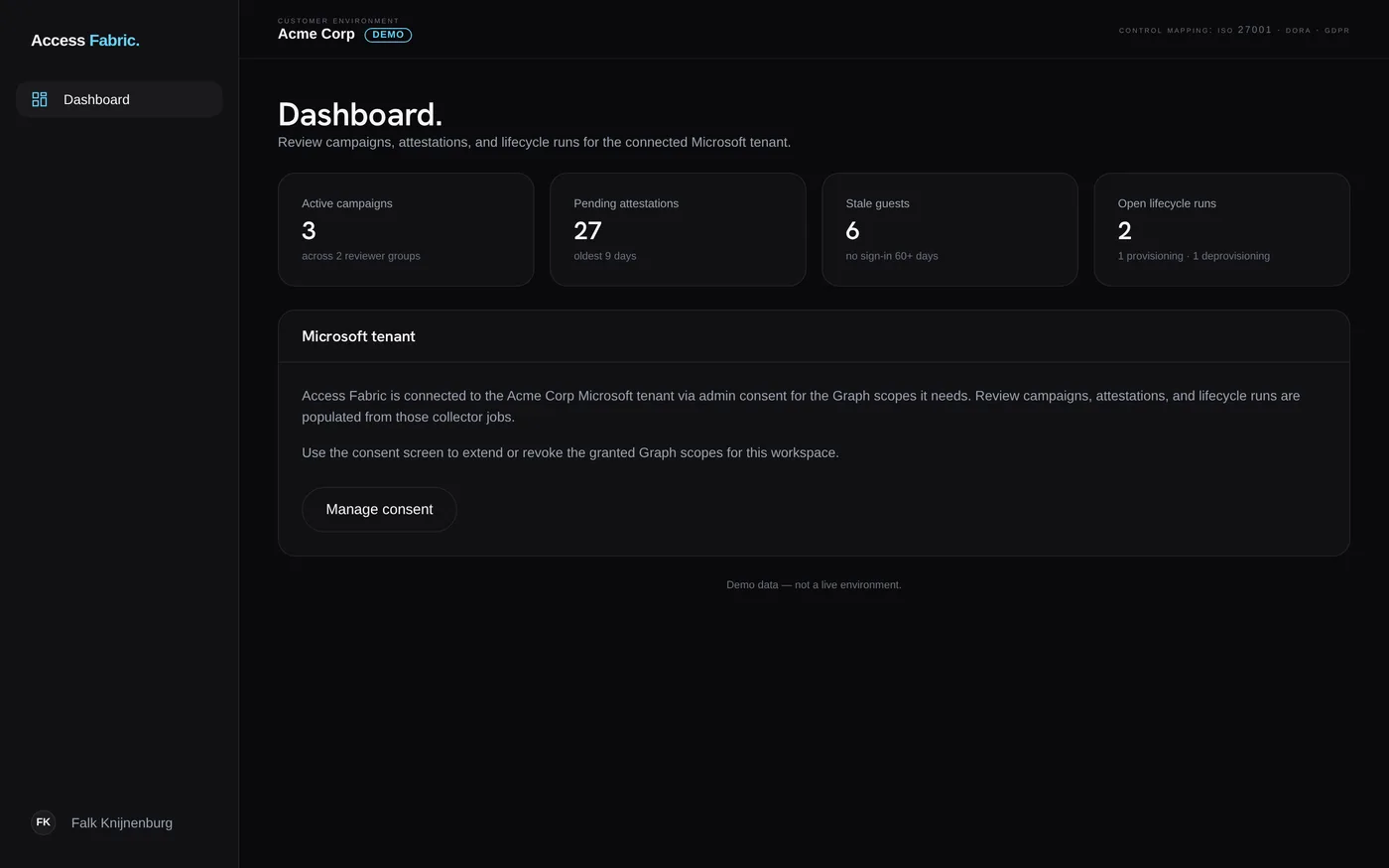
The operator console
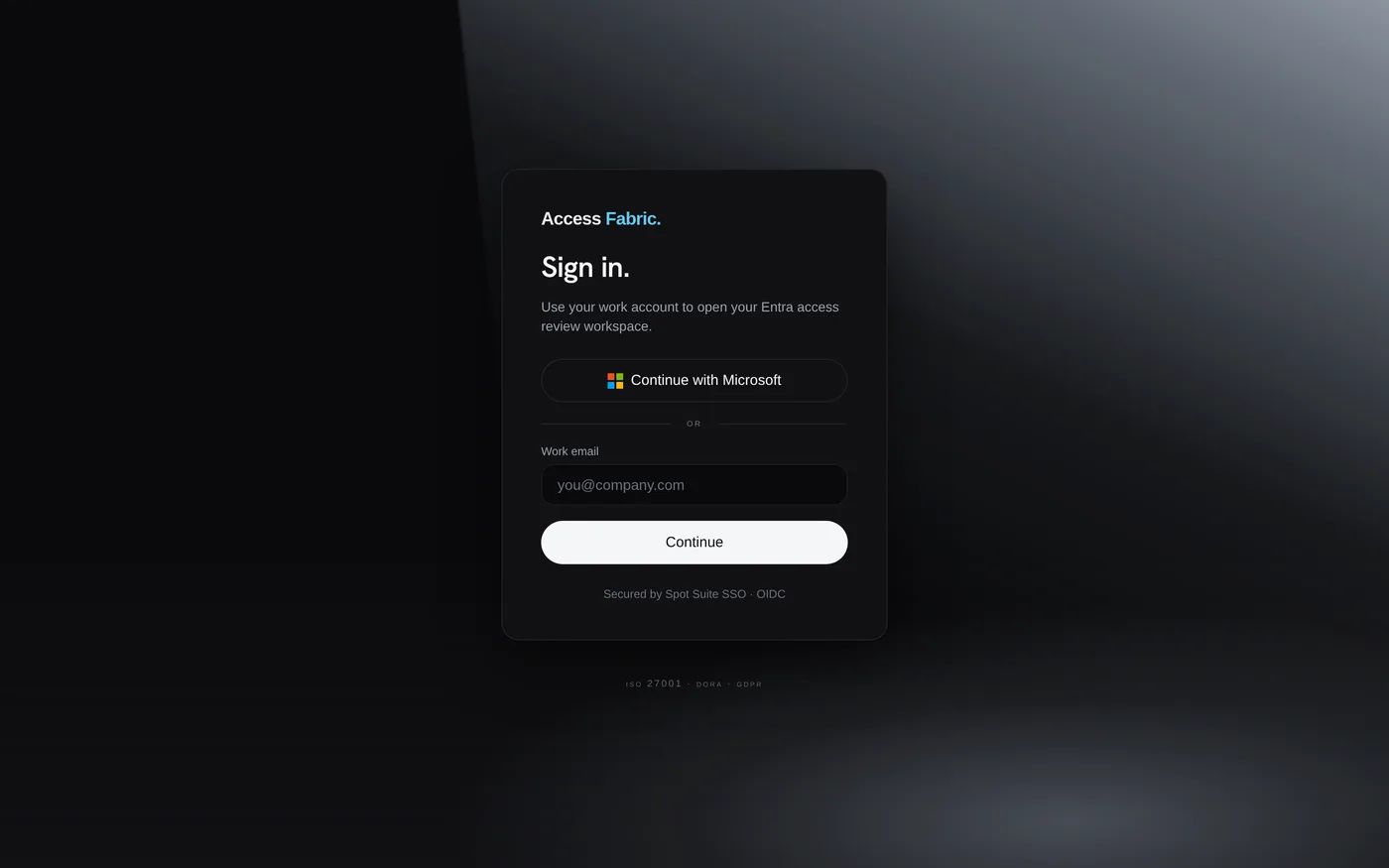
Real product screens — dashboard and sign-in.
How it works.
-
Connect your tenant
Access Fabric authenticates to Entra ID through Microsoft Graph with the consented permissions it needs to read users, groups, guests, and role assignments. Nothing in your directory changes on connect.
-
Run the campaign
Pick guest, application, or dormant-access. Access Fabric builds the review in Entitlement Management, routes attestations to managers over Teams, and sends reminders to reviewers who have not answered.
-
Act and export
Approved access stays. Removals and orphaned roles are cleaned up, leaver revocations fire through your ITSM, and the campaign decisions export as audit records for review.
A Cloud Horizons module
Pricing.
Access Fabric is included with Cloud Horizons Business. Every Cloud Horizons plan starts with a 30-day trial — no card required.
Access Fabric is not sold as a standalone product. It ships as a module of Cloud Horizons and is enabled for your tenant on the Business plan.
Questions.
-
Where is tenant data processed and stored?
Access Fabric reads your Entra directory through Microsoft Graph and writes review decisions back through the same API. Processing and storage stay in the EU region you select at onboarding. We do not stand up a parallel identity store — your users, groups, and access packages remain in Microsoft Entra.
-
How does sign-in work?
Operators sign in through Spot Suite OIDC with passkeys, authenticator-app MFA, or your existing IdP federation. Access Fabric connects to Entra ID with a separate admin-consented Graph application; end users never authenticate to Access Fabric directly.
-
What compliance frameworks does it map to?
Review campaigns and audit exports are structured for ISO 27001:2022 controls A.5.15 (access control), A.5.16 (identity management), and A.5.18 (access rights), plus NIS2 Article 21 access-governance and audit-record requirements. Each decision records the reviewer identity and timestamp.
-
What does the 30-day trial include?
The trial is a Cloud Horizons trial, not a standalone Access Fabric trial. Every Cloud Horizons plan starts with a 30-day trial — no credit card required — and Access Fabric is included on the Business plan.
See how Access Fabric fits into Cloud Horizons
Access Fabric ships as a Cloud Horizons module. See how it lines up with the other modules and the Cloud Horizons plans.